People buy a fast charger, plug it in, and find the phone still takes two hours. The charger is usually innocent. Charging speed is decided by the slowest element in a chain of four – the adapter, the cable, the port on the device, and the negotiation between them – and any one of them can quietly cap the whole thing.
The wattage on the box is a ceiling, not a promise
A 65W adapter can supply 65W. Whether it does depends on what the device asks for. USB Power Delivery works by negotiation: the device advertises the voltage and current profiles it accepts, the adapter offers what it can supply, and they settle on the highest profile both support. A phone that tops out at 25W will draw 25W from a 20W adapter and 25W from a 100W one. Paying for headroom buys you the ability to charge a laptop later, not a faster phone today.
This is why a single high-wattage adapter is a reasonable purchase even when your current phone cannot use it, and why swapping a 20W adapter for a 65W one, on its own, often changes nothing at all.
Cables are the most common culprit
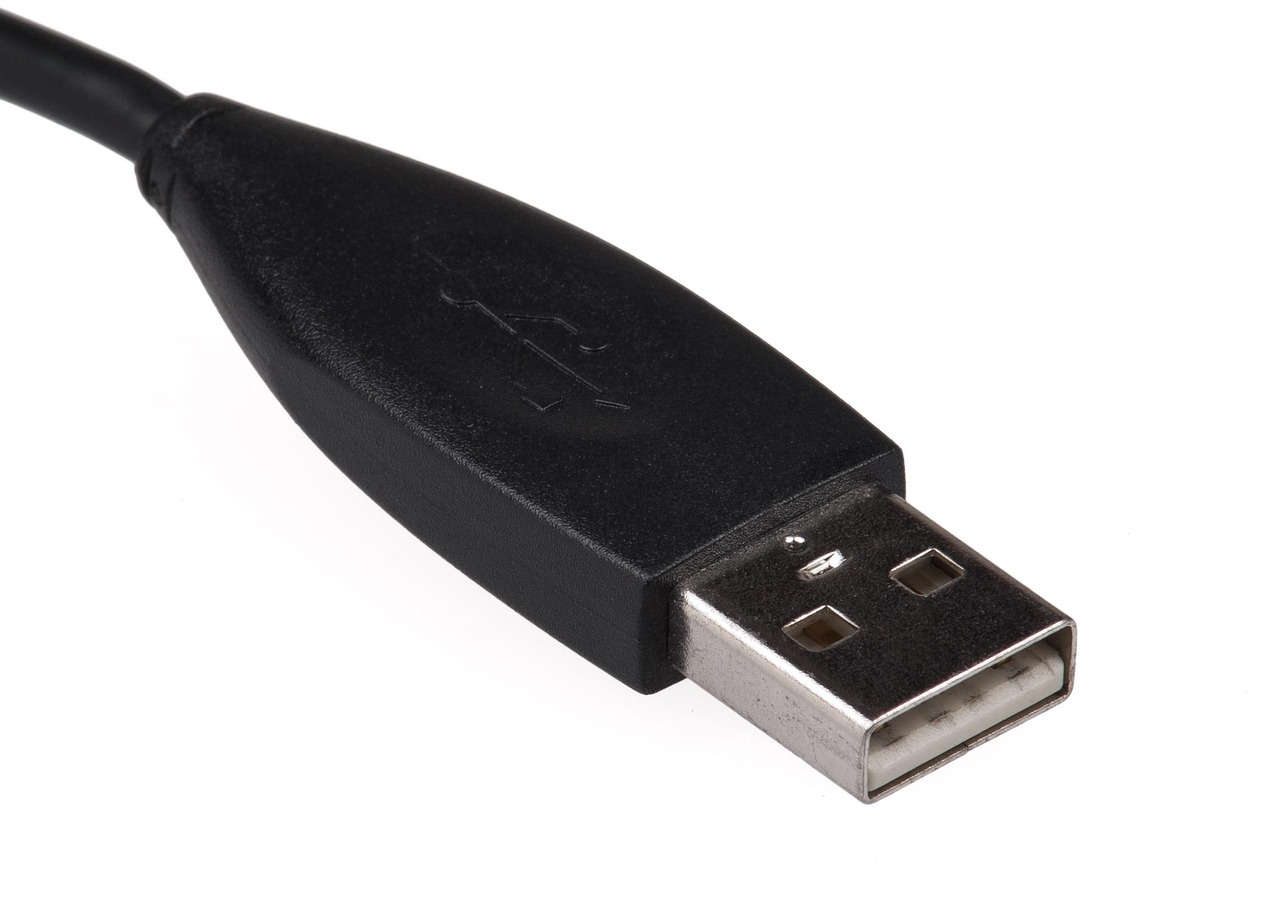
A USB-C cable is not a single thing. The cheapest ones carry 60W (3A at 20V) and USB 2.0 data. Cables rated for 100W or 240W contain an e-marker chip that tells the adapter how much current the cable can safely carry. Without that chip, the adapter refuses to go above 3A regardless of what either end could manage.
The practical test is simple: if a charger performs differently with two different cables and the same phone, the cable is the limiting factor. This is also why the cable that came in the box with a laptop is worth keeping – it is usually e-marked, and an unmarked replacement will silently halve your charging speed.
Multi-port adapters split, they do not multiply
A 65W charger with three ports does not deliver 65W per port. It has a budget, and it reallocates as devices come and go. Most designs give the first port the largest share, then drop it when a second device is plugged in – often mid-charge, which is why a laptop can appear to stop charging when someone plugs a phone into the same brick.
Manufacturers publish the split, usually as a table: 65W on port one alone; 45W plus 18W with two in use; 45W, 12W and 7.5W with three. Reading that table before buying is the difference between a charger that runs your desk and one that runs one device well and two badly.
Ports wear out, and it looks like a charger fault
A charging port collects lint, and lint compresses into a pad that stops the connector seating fully. The symptoms read as an intermittent cable: charging that starts when you press the plug in, or that only works at an angle. Before replacing anything, look into the port with a light. If you can see a grey mat at the bottom, that is the fault.
Clean it with a wooden or plastic pick with the device powered off – never a metal one, and never compressed air pointed straight in, which packs the debris tighter. A soft brush and patience clears most of it.
What to check, in order
Try a different cable first, because it is free and it is usually the answer. Then check the adapter’s rated output for the number of ports in use. Then look at the port for debris. Only after all three should you assume the adapter has failed – they do fail, but far less often than the accessories around them.
If you want to measure rather than guess, an inline USB-C power meter costs very little and reports the negotiated voltage and current in real time. It turns an argument into a number.
GaN adapters, and why they got smaller
Gallium nitride switches faster and runs cooler than the silicon it replaced, so the same wattage needs less heatsink and less case. That is the whole reason a 65W adapter is now the size a 30W one used to be, and why it can be left in a bag without being the heaviest thing in it.
The practical consequence is that there is little reason to keep an old, larger adapter of the same rating. The newer one will be smaller, cooler and usually supports more charging profiles.
Charging overnight is not damaging the battery
Lithium cells are managed by circuitry in the device that stops charging at full and does not resume until the charge has dropped meaningfully. A phone left plugged in overnight is not being overcharged; it is idling at full with the charger supplying the trickle the phone itself draws.
What does shorten cell life is heat. Charging fast inside a thick case on a warm windowsill is harder on a battery than the duration of the charge, which is why several phones now slow charging when they detect high temperature.
One adapter for the whole desk
The tidiest arrangement for most desks is a single multi-port adapter with a published split, one e-marked cable to the laptop and shorter cables to everything else. It removes three power bricks from a socket strip and gives you one thing to replace rather than four.
Where a desk has a monitor with USB-C power delivery, that monitor can often replace the laptop adapter entirely – worth checking its rated output before buying anything.
None of this requires specialist knowledge, but it does require reading the specification rather than the marketing line. That is why every charging listing in our range states the wattage, the per-port split where it applies, and whether the cable is e-marked – the three facts that decide whether the thing will do what you bought it for.